Post
AULA

May
The Ultimate Guide to AULA Keyboards: Why They Own the “Budget King” Title in 2026
For decades, the mechanical keyboard market was split into two polarizing camps. On one side, you had the “big box” gaming brands—Razer, Corsair, and Logitech—charging premium prices for plastic boards with rattly stabilizers. On the other side, you had the boutique enthusiast world, where achieving a “creamy” typing sound required a $300 aluminum kit, a soldering iron, and several hours of tedious manual labor.
Then came AULA.
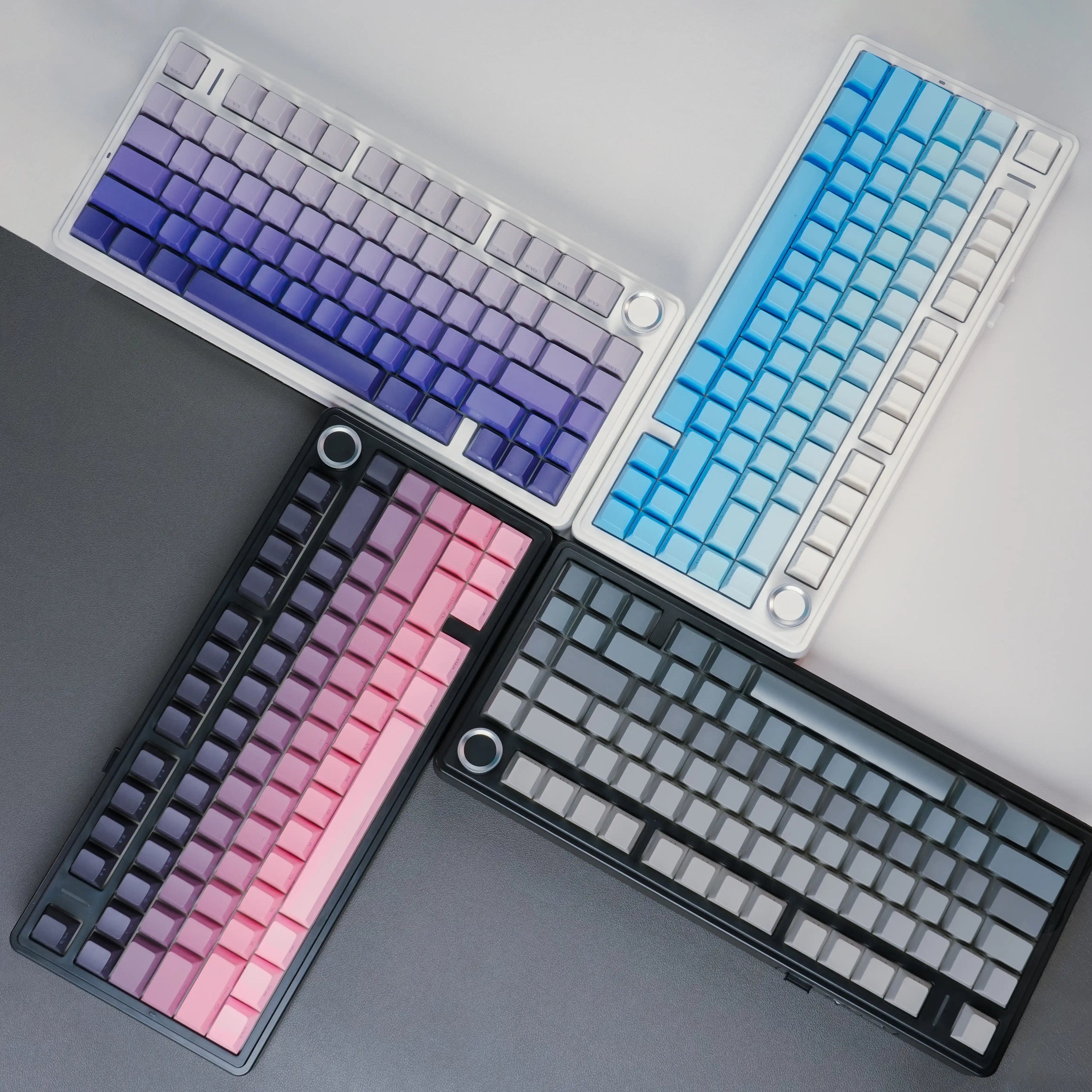
Originally founded in 2002 in Shenzhen, China, AULA spent nearly twenty years as a quiet OEM manufacturer. However, between 2023 and 2026, the brand underwent a radical transformation. By integrating high-end enthusiast features like gasket mounting, five-layer sound dampening, and pre-lubed boutique switches into mass-produced, affordable units, AULA effectively deleted the barrier to entry for a premium typing experience.
In this deep dive, we’ll explore the technology, the lineup, and the culture that has made AULA the most talked-about keyboard brand of the mid-2020s.
1. The Anatomy of a Modern AULA Keyboard
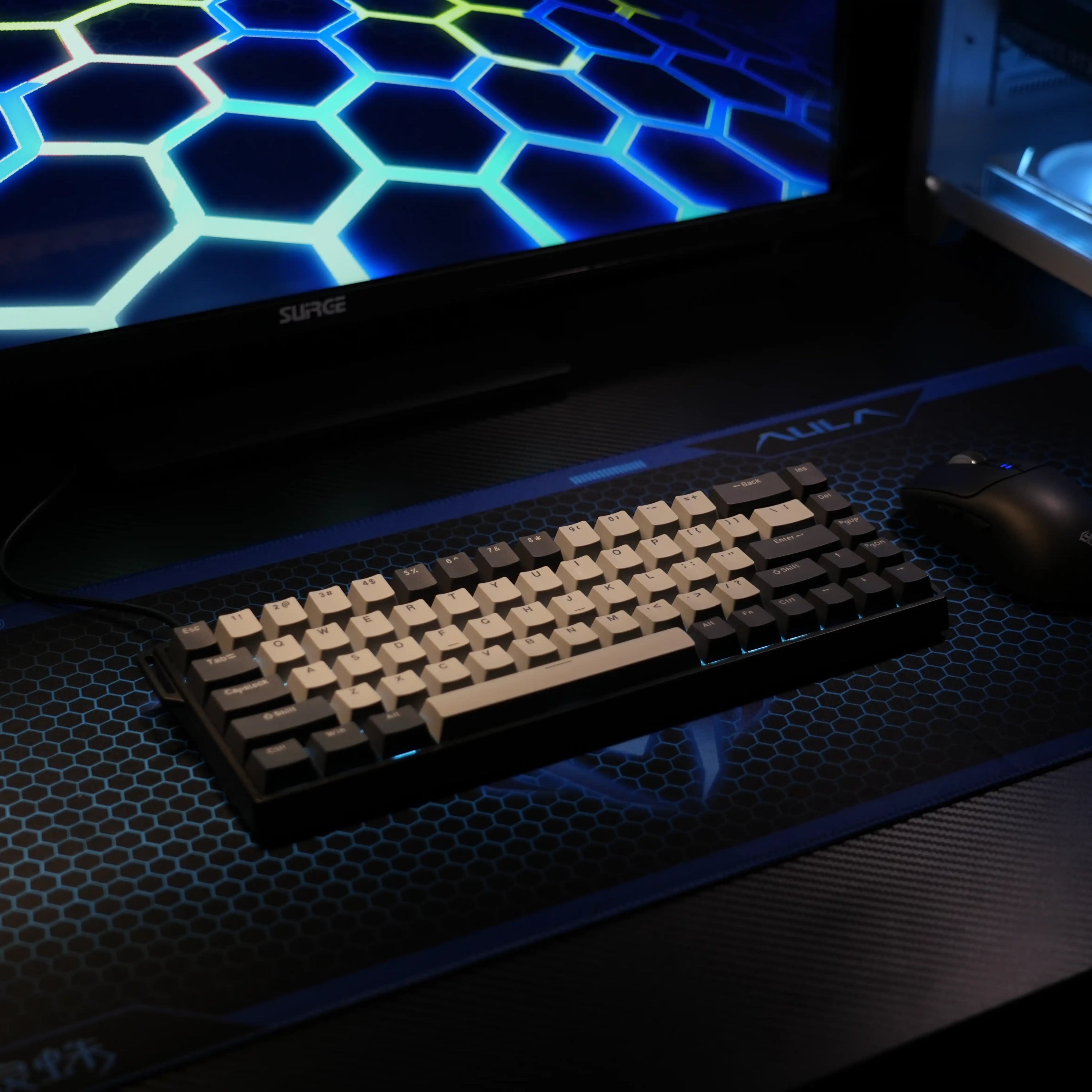
What makes an AULA keyboard feel “expensive” even when it costs less than $100? It comes down to internal architecture. While legacy brands were still using stiff tray-mount designs, AULA pivoted to the Gasket Mount system.
The Gasket Mount & “Flex”
In an AULA F75 or F99, the internal plate isn’t screwed into the plastic case. Instead, it is sandwiched between silicone or PORON foam gaskets. This creates a “floating” sensation. When you type, the entire internal assembly has a slight “give” or flex, which absorbs the impact on your fingertips.
The 5-Layer Sound Package
AULA is famous for its “acoustic stuffing.” Inside a modern F-series board, you will find:
PORON Sandwich Cotton: Fills the gap between the plate and PCB.
IXPE Switch Pad: Placed directly under the switches to clarify the “pop” of the keystroke.
PET Acoustic Film: Reflects sound back up to prevent a hollow “thud.”
Silicone Bottom Pad: Eliminates echoes within the plastic case.
Base Foam: Acts as a final layer of insulation.
This combination creates the “marbles clinking” or “rain on a tin roof” sound profile that has become a viral sensation on tech social media.
2. The Core Lineup: Choosing Your Layout
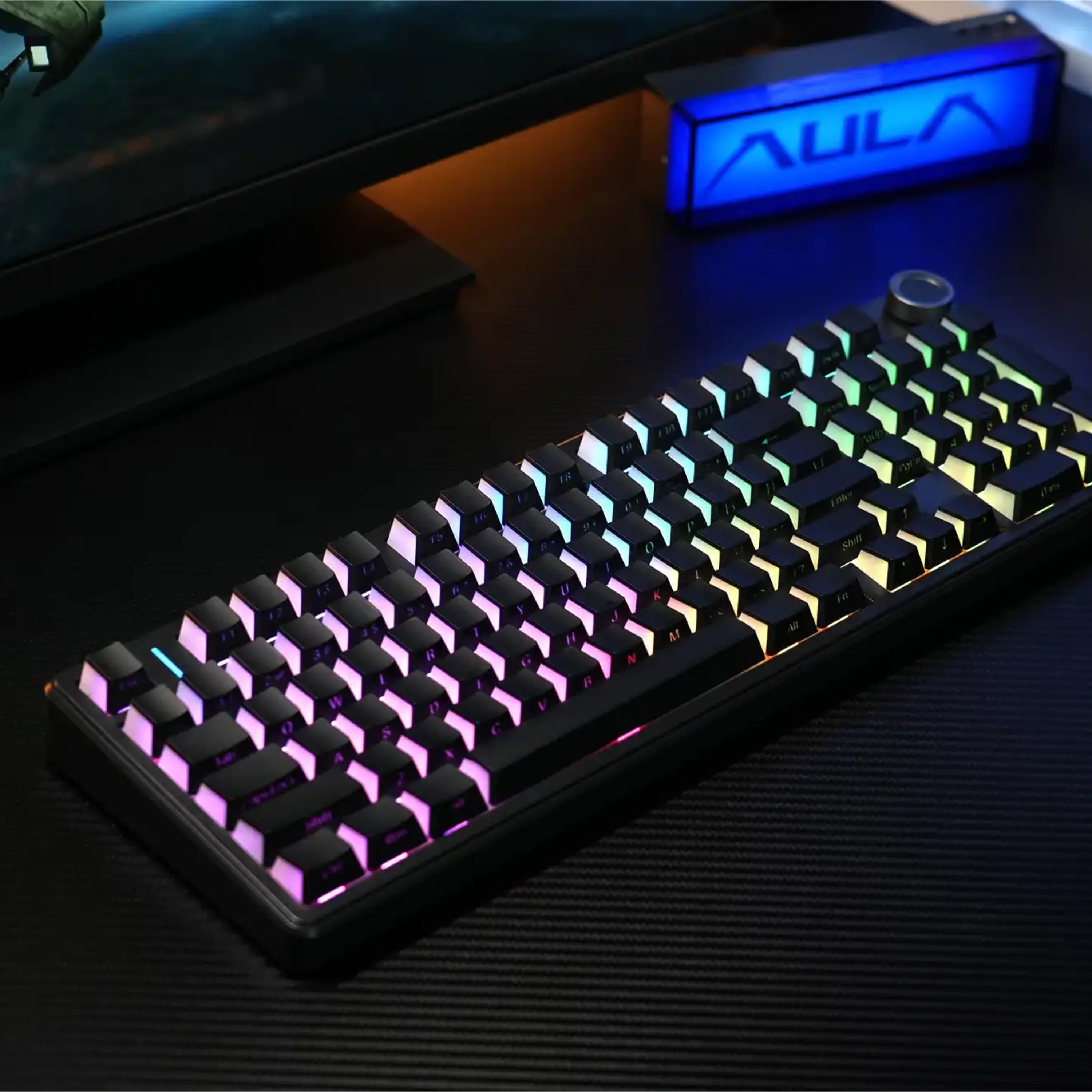
AULA has a keyboard for every desk size and use case. In 2026, the following models represent the pinnacle of their engineering:
AULA F75: The Legendary All-Rounder
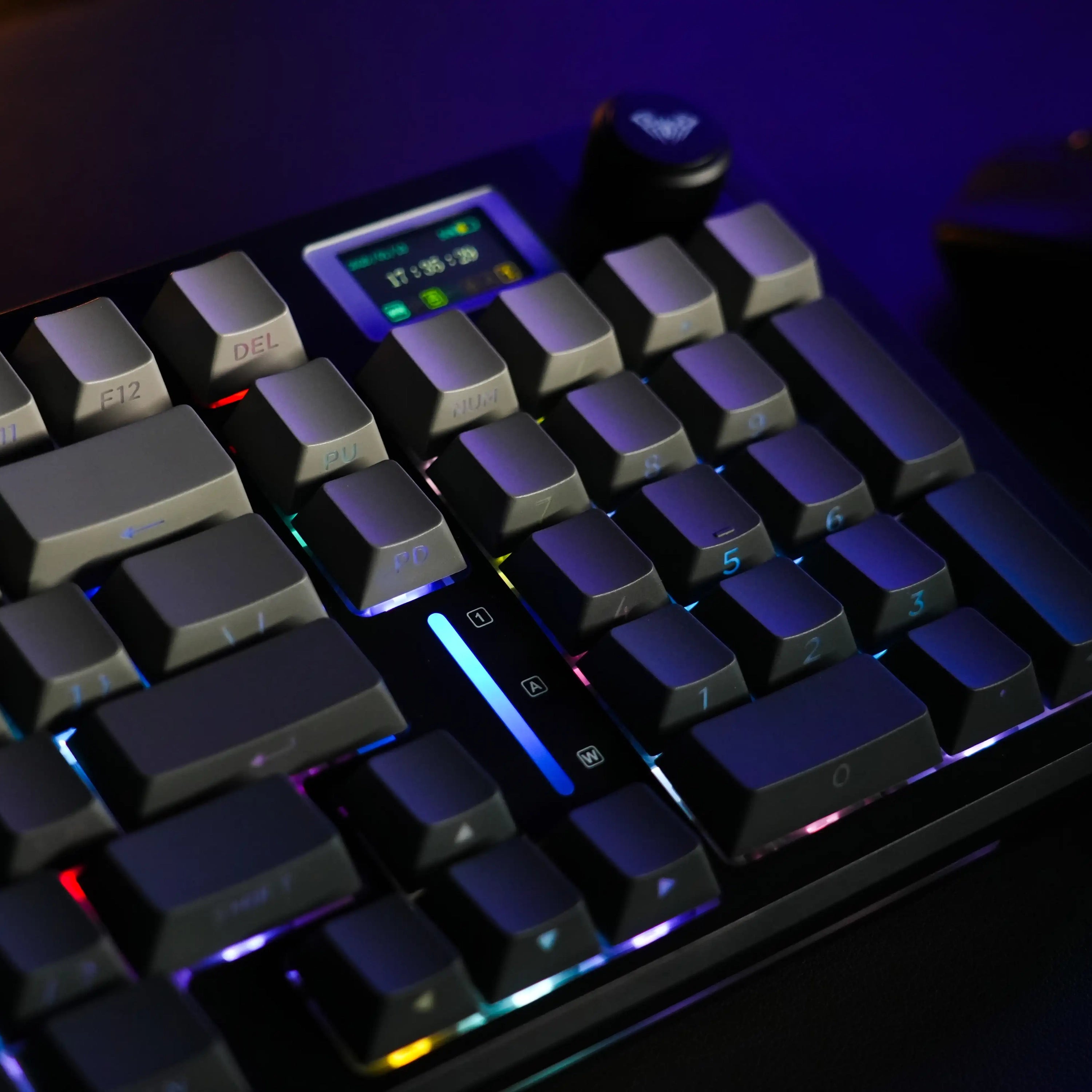
The F75 is the undisputed flagship. Using a 75% layout (80 keys + a volume knob), it strikes the perfect balance between compactness and functionality. It retains the function row and arrow keys but removes the Numpad, giving gamers more “mouse room.”
Best for: Everyone. It is the safest “blind buy” in the keyboard world today.
AULA F87 Pro: The TKL Perfectionist
For those who find the 75% layout too cramped, the F87 Pro offers a traditional Tenkeyless (TKL) design. It features a larger 4000mAh battery and a more spaced-out navigation cluster. It’s slightly more “planted” on the desk and often preferred by writers who use the Home/End/Delete keys frequently.
AULA F99: The Productivity Beast
The F99 is a marvel of spatial efficiency. It uses a 96% layout, meaning it is only about an inch wider than the F87 but includes a full numeric keypad.
Standout Feature: The 8000mAh dual-battery system, which can last for weeks on a single charge with the RGB lights off. It’s the ultimate choice for accountants, data analysts, and programmers.
AULA WIN60 HE: The Speed Demon
AULA’s foray into Hall Effect (Magnetic) switches. Unlike traditional mechanical switches that rely on physical contact, these use magnets to detect the keypress. This allows for:
Rapid Trigger: The key resets the instant you let go, allowing for superhuman-speed strafing in games like Valorant.
Adjustable Actuation: You can set the “sensitivity” of your keys from a hair-trigger 0.1mm to a deep 4.0mm.
3. The Switch Magic: LEOBOG Collaboration
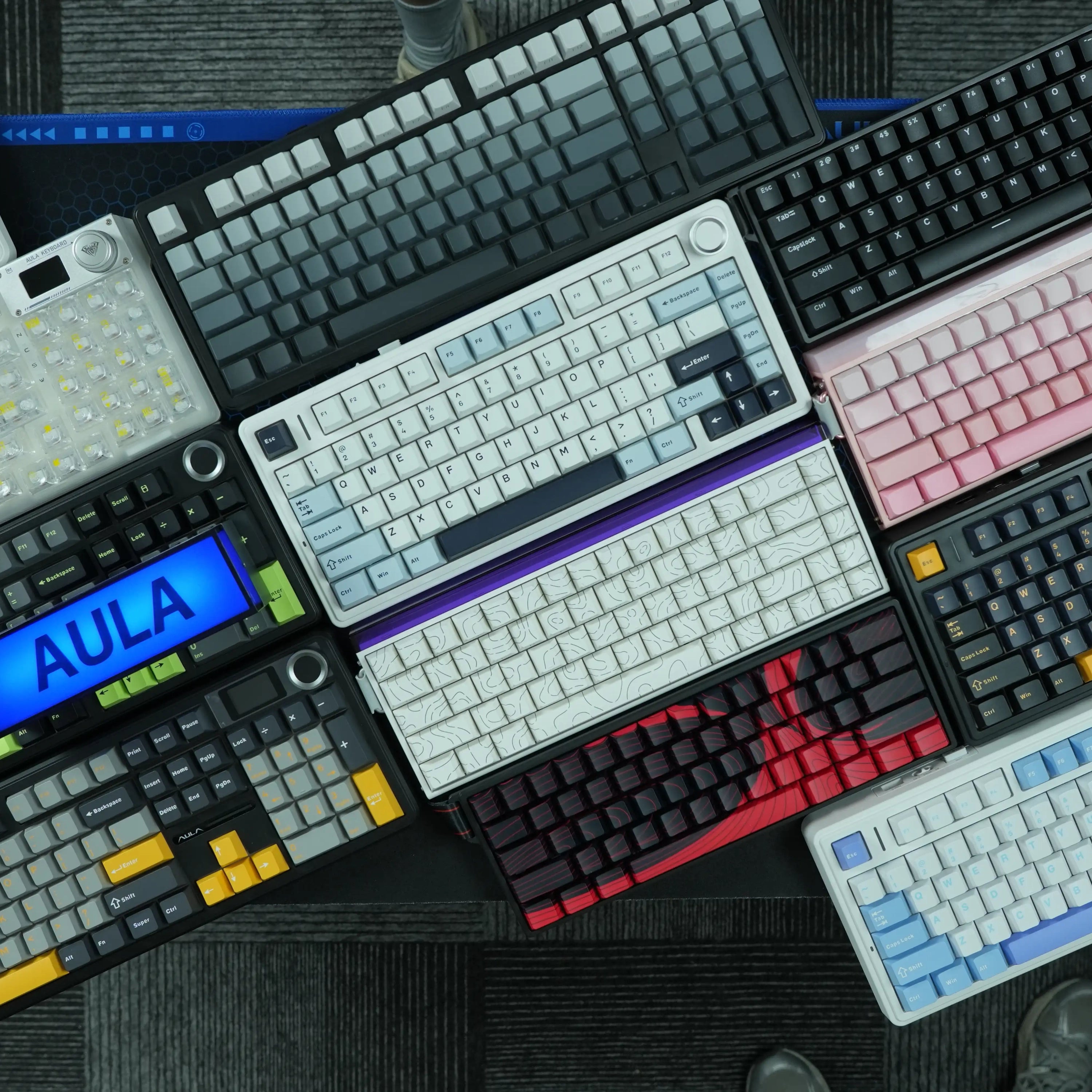
A keyboard is only as good as its switches. AULA’s partnership with LEOBOG has produced some of the best factory-lubed switches in history.
LEOBOG Reaper Axis: A linear switch with a 45g actuation force. It is the “gold standard” for AULA users, providing a deep, thocky sound and a smooth, buttery travel.
Greywood V3/V4: A slightly lighter switch (40g) with a shorter travel. It is designed for “speed typists” who want to glide across the keys with minimal effort.
Ice Vein: A transparent switch optimized for RGB enthusiasts who want their desk to look like a neon cityscape.
The best part? All these boards are hot-swappable. If you ever get bored of the “thock,” you can pull the switches out and replace them with something else—no soldering required.
4. Connectivity & Daily Life
AULA was an early adopter of Tri-Mode Connectivity. This allows you to toggle between:
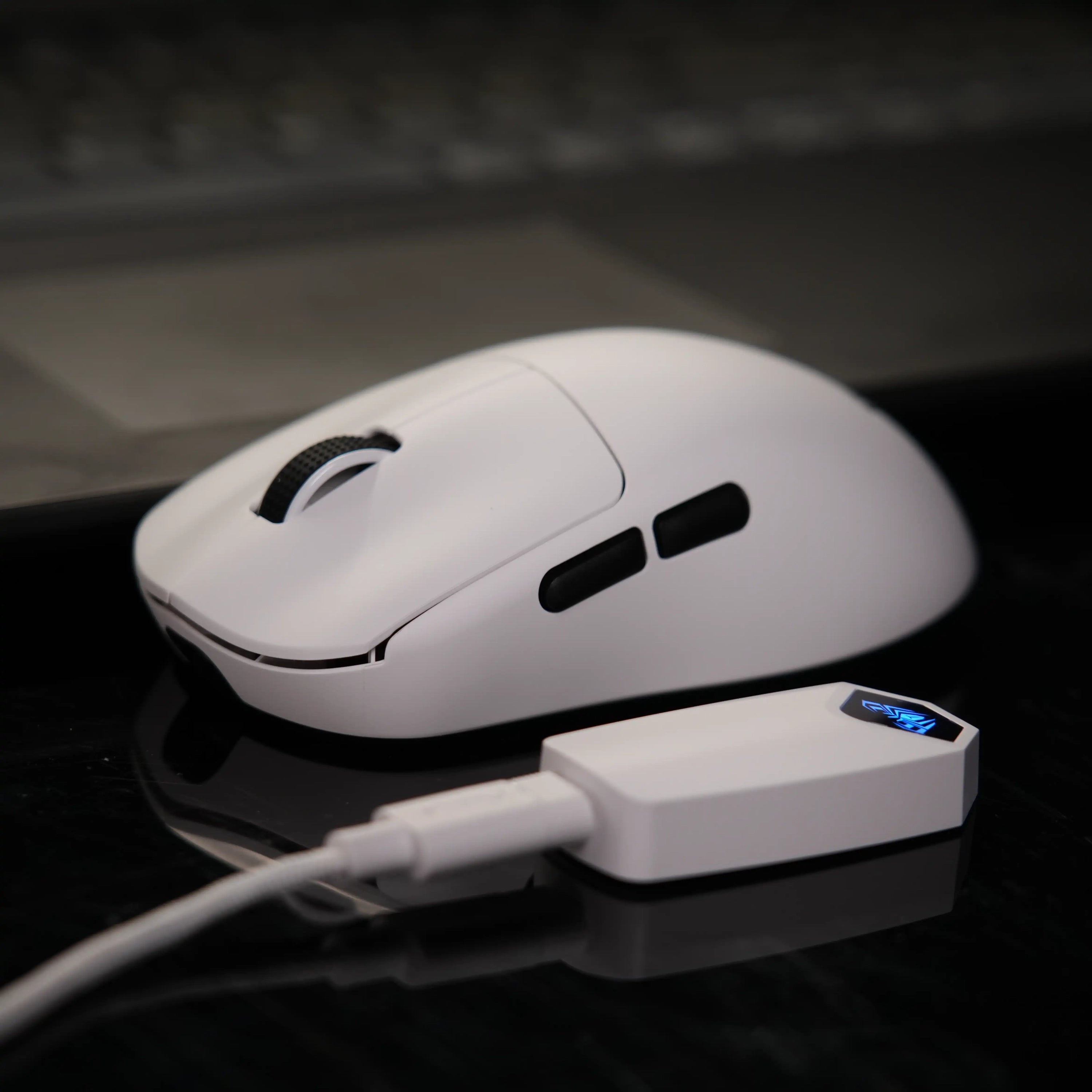
2.4GHz Wireless: Via a dedicated USB dongle (low latency for gaming).
Bluetooth 5.0: Allowing you to pair with a laptop, tablet, and phone simultaneously.
Wired USB-C: For charging and maximum stability.
Their 2026 models also feature South-Facing RGB. In cheaper boards, LEDs are at the top of the switch, which causes “interference” with high-end Cherry-profile keycaps. By placing the LEDs at the bottom, AULA ensures that any custom keycap set you buy will fit and feel perfectly.
5. Software and Customization
While AULA’s proprietary software has historically been its weakest link, the 2025/2026 updates have introduced a cleaner, modular interface.
Macro Programming: You can record complex sequences for MMOs or productivity shortcuts (like “Ctrl+C” and “Ctrl+V” on a single key).
Web-Based Drivers: For models like the WIN60 HE, AULA has moved toward browser-based configuration. This means you don’t need to install “bloatware” on your PC—you just visit a URL, plug in the board, and customize your settings.
6. The “AULA Tax” (The Trade-offs)
Is there a catch? At a sub-$100 price point, some concessions are made:
The “Plastic” Reality: While AULA uses high-quality, heavy-duty ABS and PBT, these are not aluminum keyboards. They lack the “heft” and cold-to-the-touch premium feel of a $400 custom CNC-machined board.
Regional Software Issues: Some users still find the software installation process a bit clunky, especially on macOS, where support is still catching up to Windows.
Stock Availability: Because these boards are so popular, the most desirable colorways (like the “Cedar Grey” or “Leobog Blue”) often sell out within hours of a restock.
7. Conclusion: Should You Buy an AULA?
If you are still typing on a membrane keyboard or a “gaming” board from 2018, the answer is a resounding yes.
AULA represents a shift in the industry where “budget” no longer means “bad.” They have democratized the enthusiast typing experience, proving that you don’t need to be a mechanical engineer to have a keyboard that sounds like a dream.
Recommendation: If you’re just starting, grab the AULA F75 with Reaper switches. It is the most refined typing experience you can buy for under $80, and it will likely be the last keyboard you ever feel the need to buy.